Minimalist Executive Aesthetic
BenQ ScreenBar Halo 2 LED Monitor Light Bar
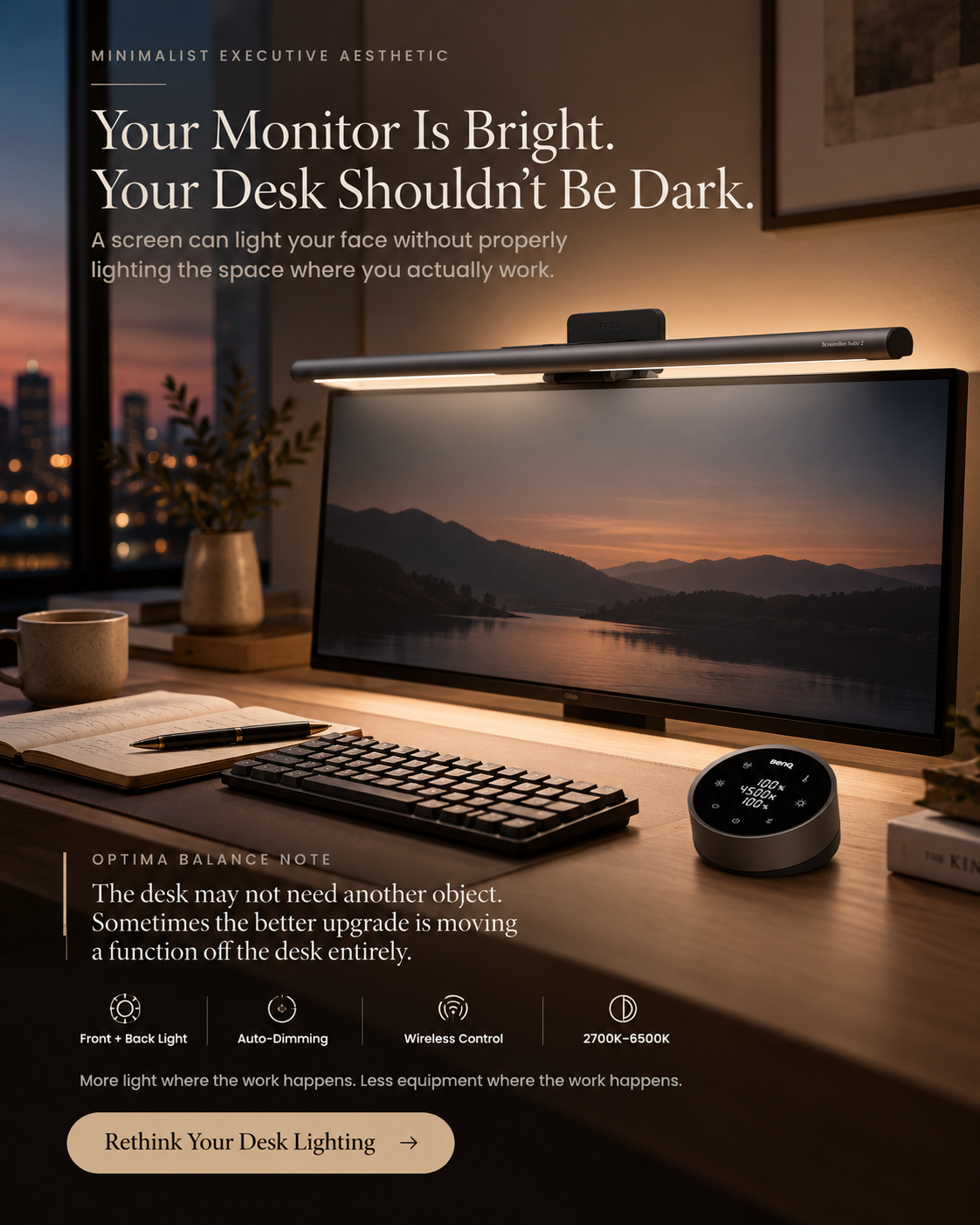
Your monitor already provides plenty of light. The problem is where that light stops.
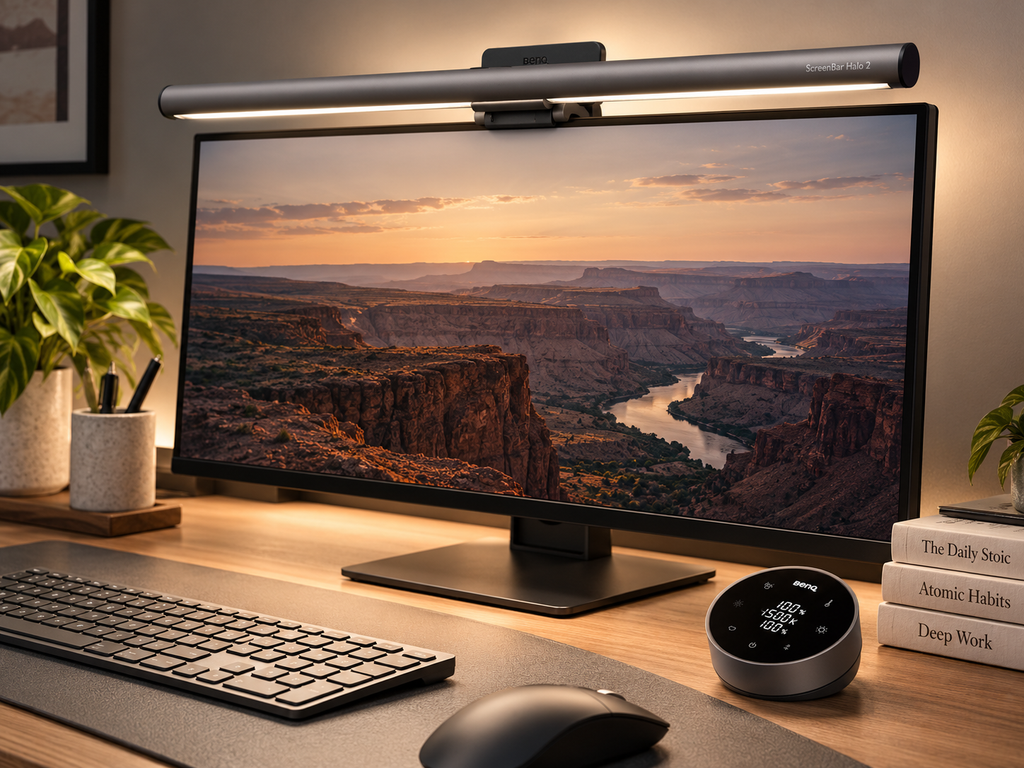
The BenQ ScreenBar Halo 2 adds directed illumination across the desk and adjustable ambient light behind the monitor, helping create a more balanced workspace without adding a conventional desk lamp to an already crowded surface.
Its third-generation asymmetric lighting system covers approximately 85 × 50 cm at 500 lux, while brightness and color temperature can be adjusted from a wireless desktop controller.
Optima Balance Score
4.7 / 5
Excellent
Optima Balance editorial score
Affiliate link. We may earn a commission at no additional cost to you.
AT A GLANCE
Best For
Professionals who spend long periods at a monitor and want better desk illumination without giving up workspace to a traditional lamp.
Routine Fit
Mount it once above the monitor, then use automatic dimming, presence detection or the wireless controller to adapt the lighting throughout the workday.
May Not Be Ideal For
Anyone looking for a basic inexpensive desk lamp, using an incompatible monitor shape, or who does not need the rear ambient lighting and automation that account for much of the Halo 2’s premium positioning.
Why We Recommend It
Most desk-lighting problems are not caused by having too little light everywhere. They come from contrast.
A bright monitor can sit in front of a comparatively dark desk and wall, especially during early mornings, evenings or windowless work sessions. A conventional lamp can fix part of that problem, but it also occupies desk space and can introduce reflections depending on where it is positioned.
The ScreenBar Halo 2 approaches the workspace from two directions. Its front light uses BenQ’s third-generation asymmetric optical design to direct illumination down toward the desk rather than directly toward the display. At 50 cm height, BenQ specifies center illumination above 1,000 lux and an area of approximately 85 × 50 cm receiving at least 500 lux.
Control is one of the strongest upgrades over a basic monitor bar. The Halo 2 includes a rechargeable wireless dial with a display panel for brightness, color temperature and lighting modes. Its automatic-dimming mode measures ambient lighting and adjusts brightness automatically; BenQ’s manual notes that auto-dimming uses a 4000K color temperature while active.
It also adds presence sensing. BenQ says its ultrasonic sensor detects motion roughly 60 ±10 cm in front of the monitor when installed at the recommended position. The light can switch on as the user arrives and turn off after approximately five minutes without significant movement.
Compatibility is broad but worth checking before purchase. BenQ lists support for flat and curved monitors approximately 0.43–6 cm thick, including curved displays in the 1000R–1800R range. The unit is USB-C powered and consumes up to 15W.
The limitation is straightforward: this is a premium solution to a relatively ordinary problem. Someone who only needs basic desk illumination can spend much less. The value of Halo 2 comes from combining directed desk lighting, rear ambient light, automation and a desk-friendly form factor in one system.
Optima Balance Score
Overall Score
4.7 / 5
Excellent
Ready to Upgrade Your Routine?
Review the current product details, pricing, availability, and complete ingredient information before deciding whether this moisturizing set fits your hair-care needs.
Affiliate Disclosure
This page contains affiliate links. If you purchase through our links, Optima Balance may earn a commission at no additional cost to you. We only recommend products we believe offer genuine value and align with our wellness standards. As an Amazon Associate, we earn from qualifying purchases.